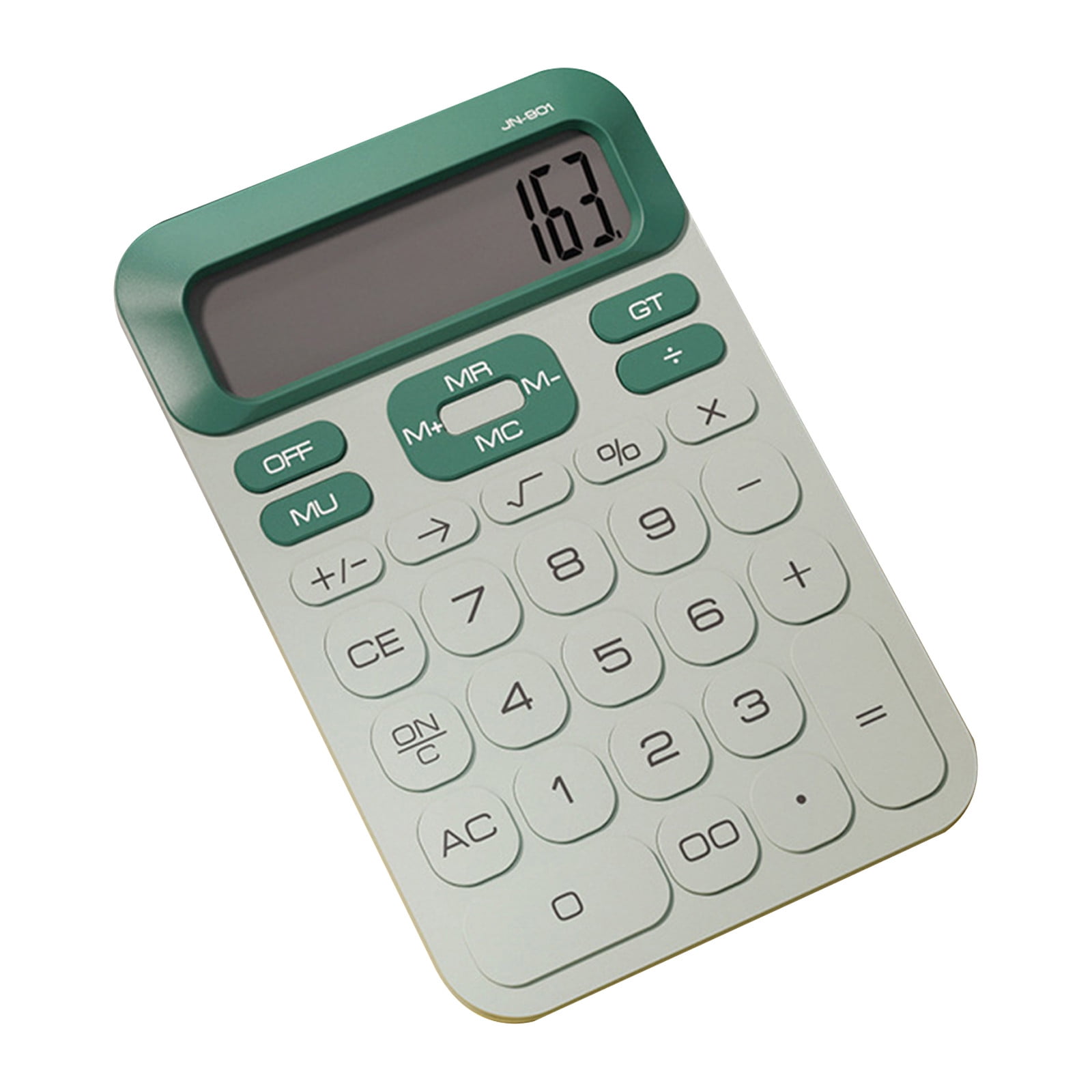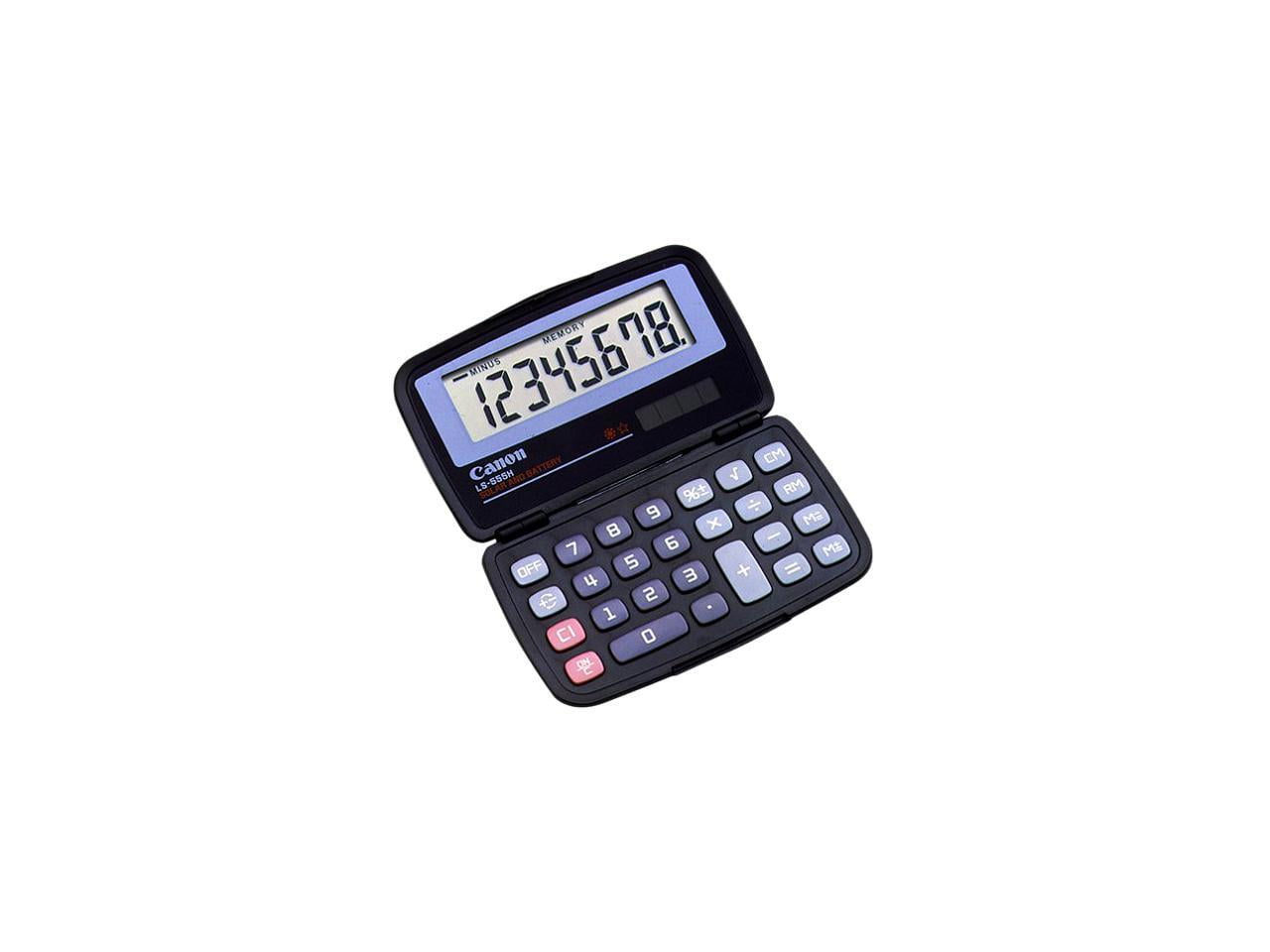









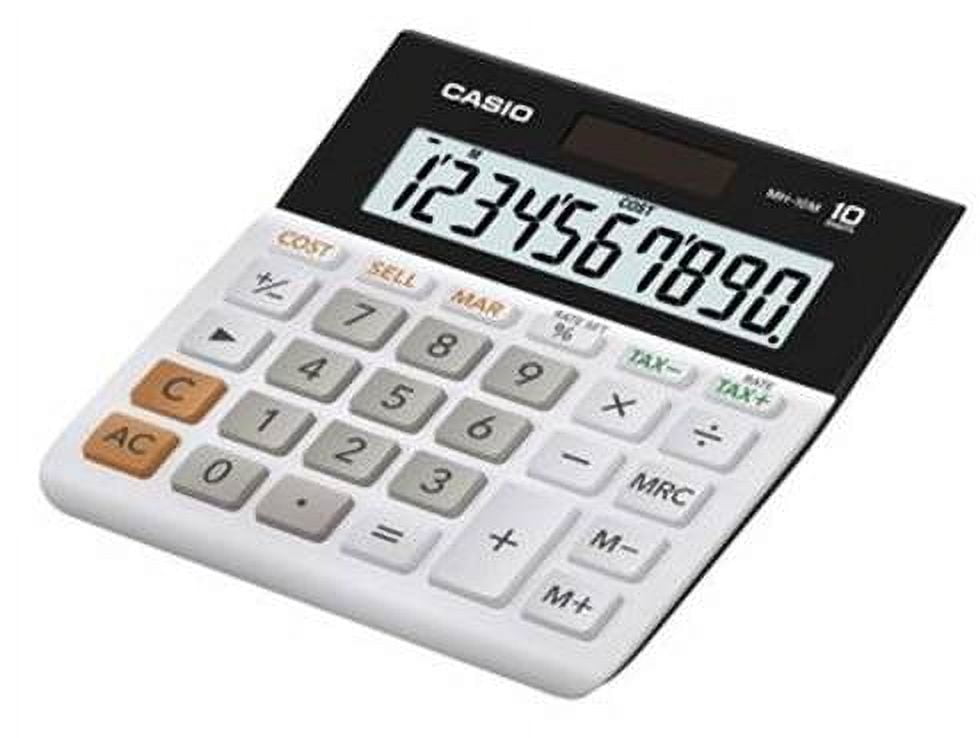
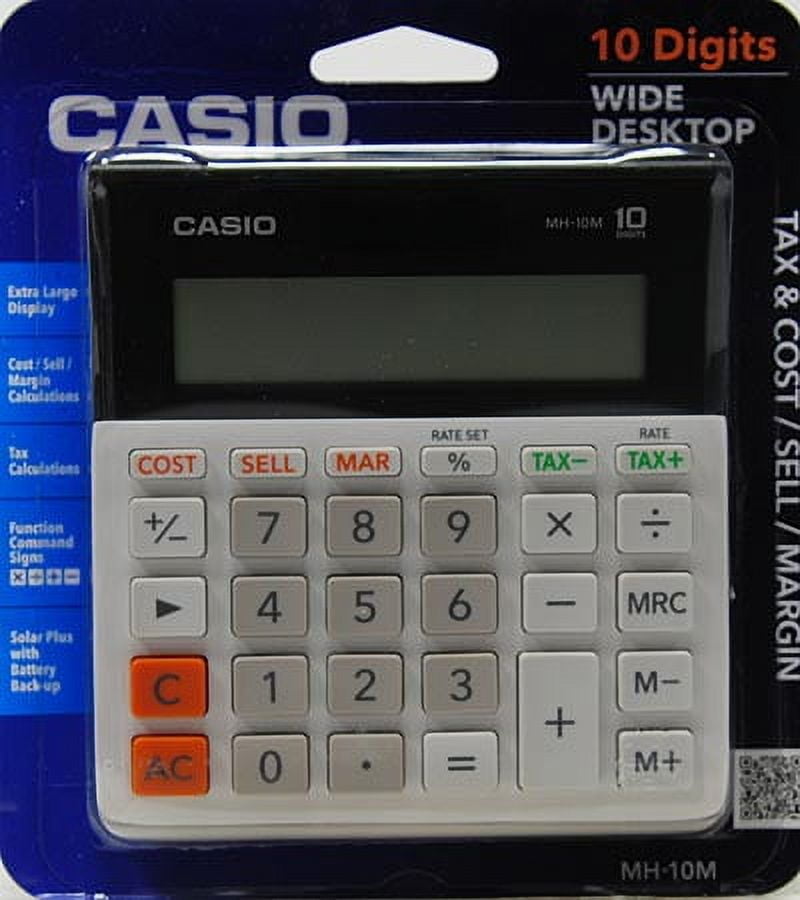
Casio MH-10 10-Digit Desktop Calculator
$ 3.65
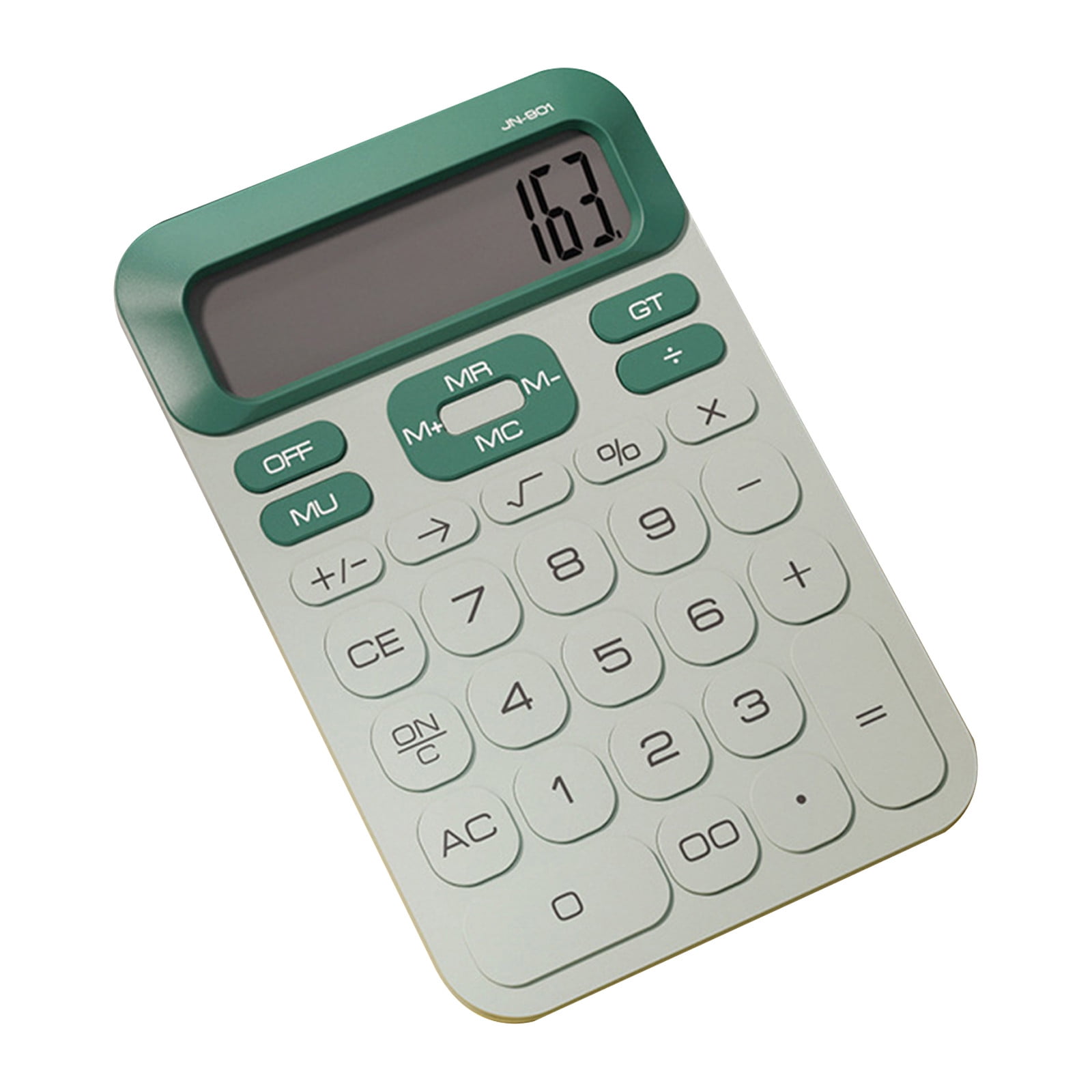
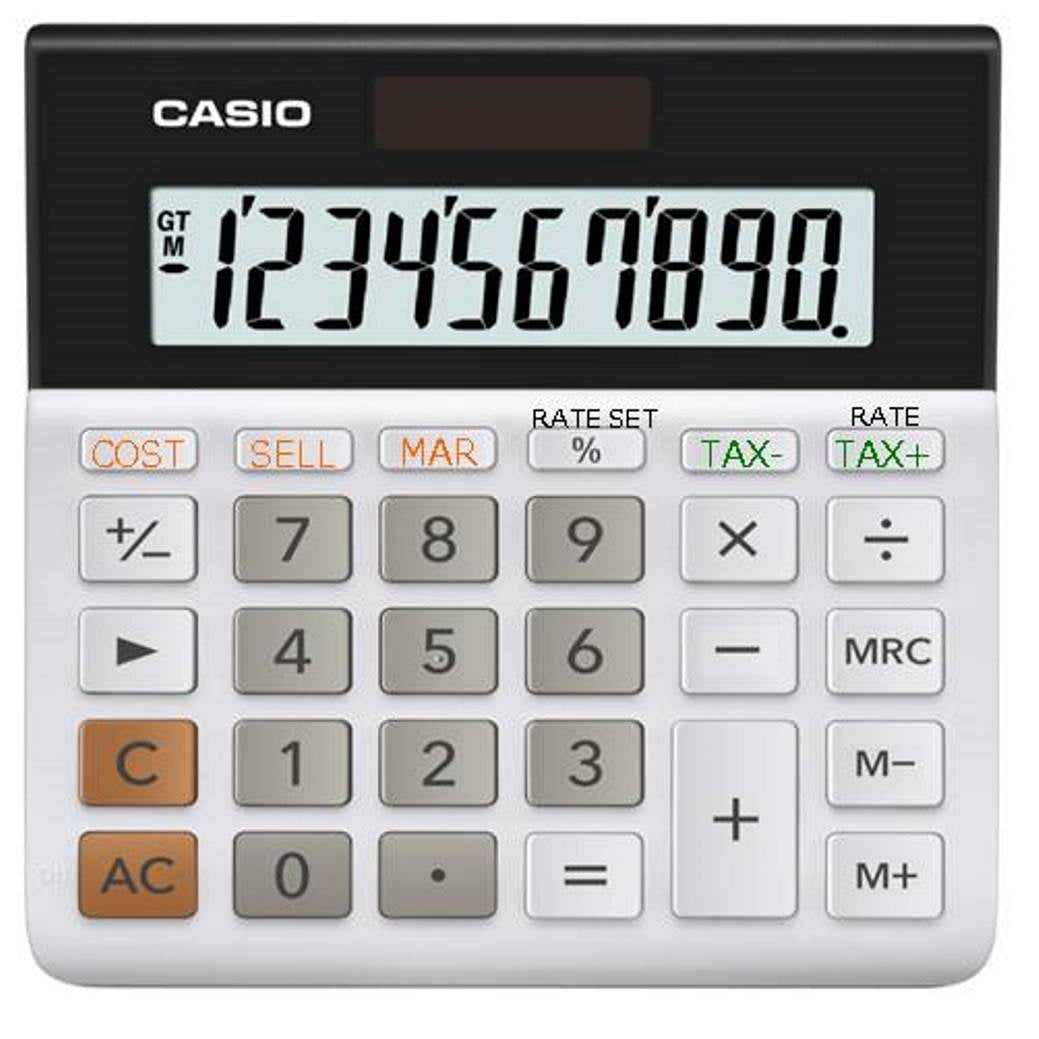
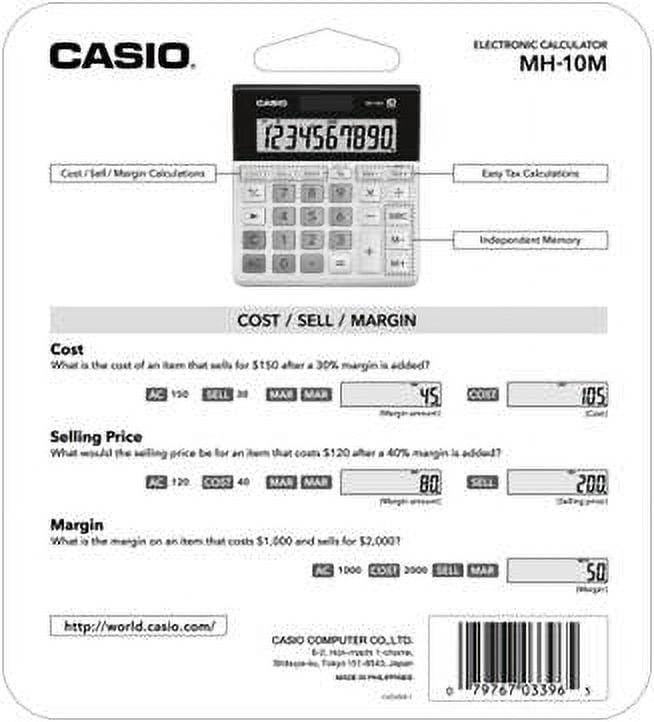
I’m an accountant. What I like about this calculator is the large buttons that are easy to press, that it’s simple to use, light weight, and solar powered. This calculator is desk sized, 5” x 5.5”, but not desk overtaking. It’s great for quick sales calculations on the go (when a computer isn’t available or booted). I could see this being used often by crafters for craft show sales tax calculations and selling margins, the on-site buy / sell of products or inventory, and basic accounting (addition / subtraction / multiplication). Sales tax percentages can be programmed into this, so it automatically calculates on sales. The cost and margin calculations are VERY easy to use. FIND COST. For instance, if you want to calculate the cost of a product that is selling at a 40% margin and you only know the sale price. Put in the selling price numerically Ex: “$100” and hit the “sell” button and then the margin “40” (for 40% margin) then the “mar” button (this stands for margin) once for the percentage sign to show up on the screen and hit “mar” again for the margin dollar amount to show up. Then hit “cost”. (The screen will say “$60” in this example. $60 is the cost of an item that is selling for $100 and a 40% margin). OR FIND MARGIN ON YOUR SALE. What is the profit margin you are making? “$60” and “cost” button (your cost), “$100” “sell” (what you want to sell for) “mar” will give you an answer that you are making 40% on your $60 item at a $100 selling price. OR FIND WHAT YOU SHOULD SELL A PRODUCT FOR TO MAKE WHAT YOU WANT. What should you sell for? In this example you want to make 40% margin on the resale of a product that cost you $120. “$120” “cost” (product cost you), “40” “mar” (for % margin you want to make) “mar” (second time pressing changes the margin to a $ amount), then “sell” button. The result will show $200. You must sell your $120 item for $200 to make 40% on it.